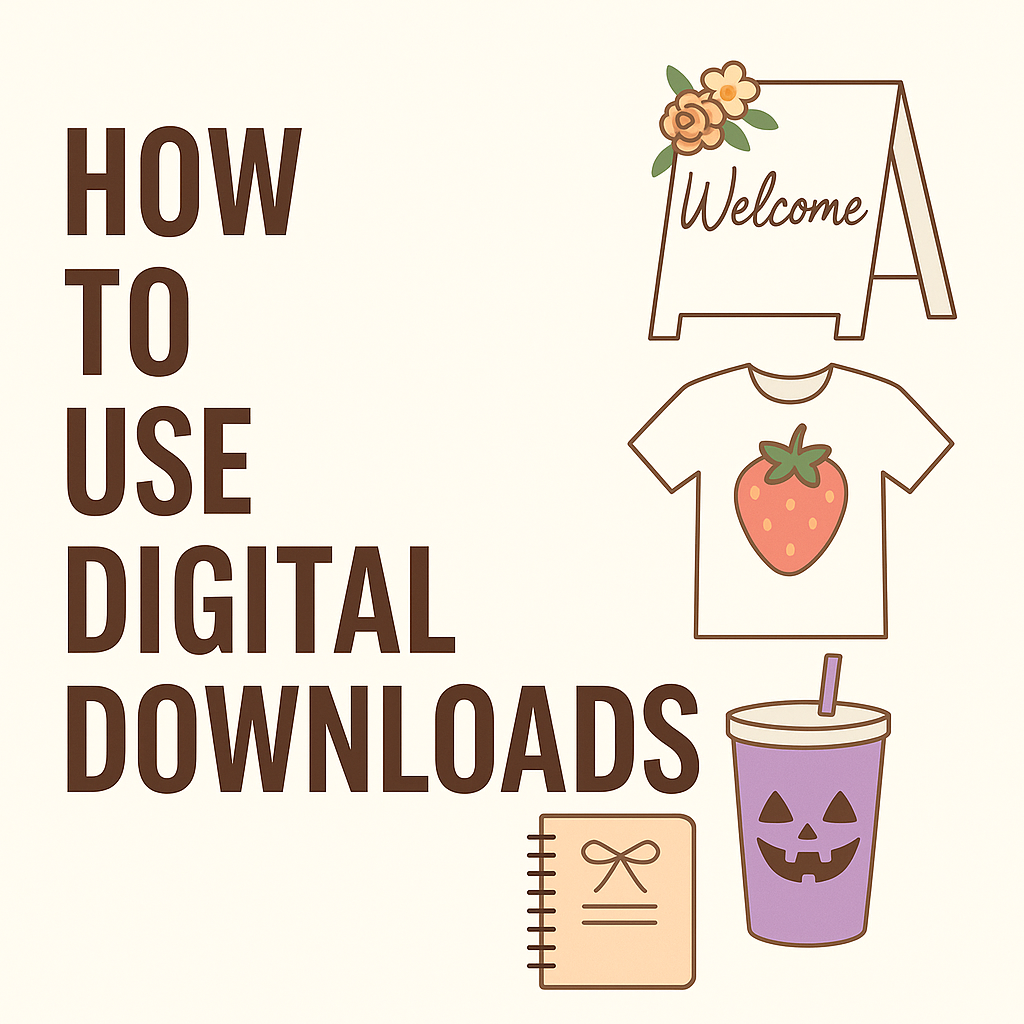
If you love hosting, planning pretty events, or organizing your life with a good planner, digital downloads are one of the easiest ways to make everything look intentional without hiring a full design team.
From wedding signs and bridal party shirts to printable planners, Bible camp graphics, birthday tumblers and “bookish” wraps, digital files give you a design toolbox you can reuse again and again.
You download the file, customize it in Canva, print it at home or at a local shop, or upload it to a shirt / tumbler printer.
In this post, we’ll walk through how to use digital downloads for events like:
- Weddings and bridal events
- Kids’ birthdays and seasonal parties
- Church events and retreats
- Everyday planners and self-improvement challenges
- T-shirt designs, tumblers and other wearables
Along the way, I’ll show you practical ways to use designs from Etsy together with recipes and ideas so your décor and your menu tell the same story.
What Are Digital Downloads, Exactly?
Digital downloads are ready-to-use design files you receive instantly after purchase. Most event-friendly designs come in formats like:
- PNG – often with a transparent background, ideal for shirts, tumblers, stickers and overlays in Canva.
- JPG – good for simple prints where you don’t need transparency.
- PDF – perfect for planners, checklists and pages you’ll print as-is.
Once you own a digital file you can:
- Print it as many times as you like for personal use
- Use it on physical items (shirts, mugs, tumblers, signs, stickers)
- Drop it into templates in Canva, Word, or other design tools
- Reuse it across multiple events and seasons
That means one single design can show up as:
- A bridal party shirt
- A welcome sign
- A sticker on a favor bag
- A little icon inside your planner
The upfront cost is low, but the potential uses are huge.
1. Weddings & Bridal Events: Soft Themes, Reusable Art
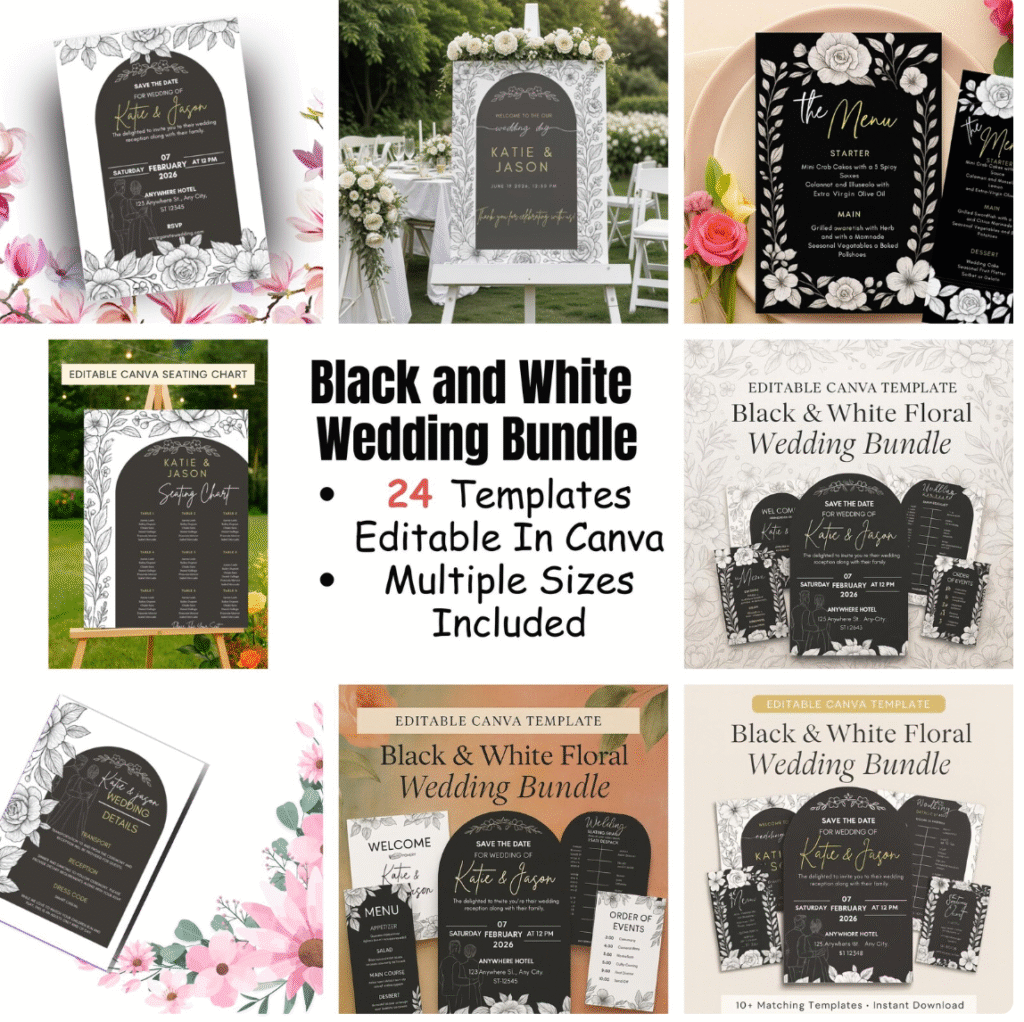
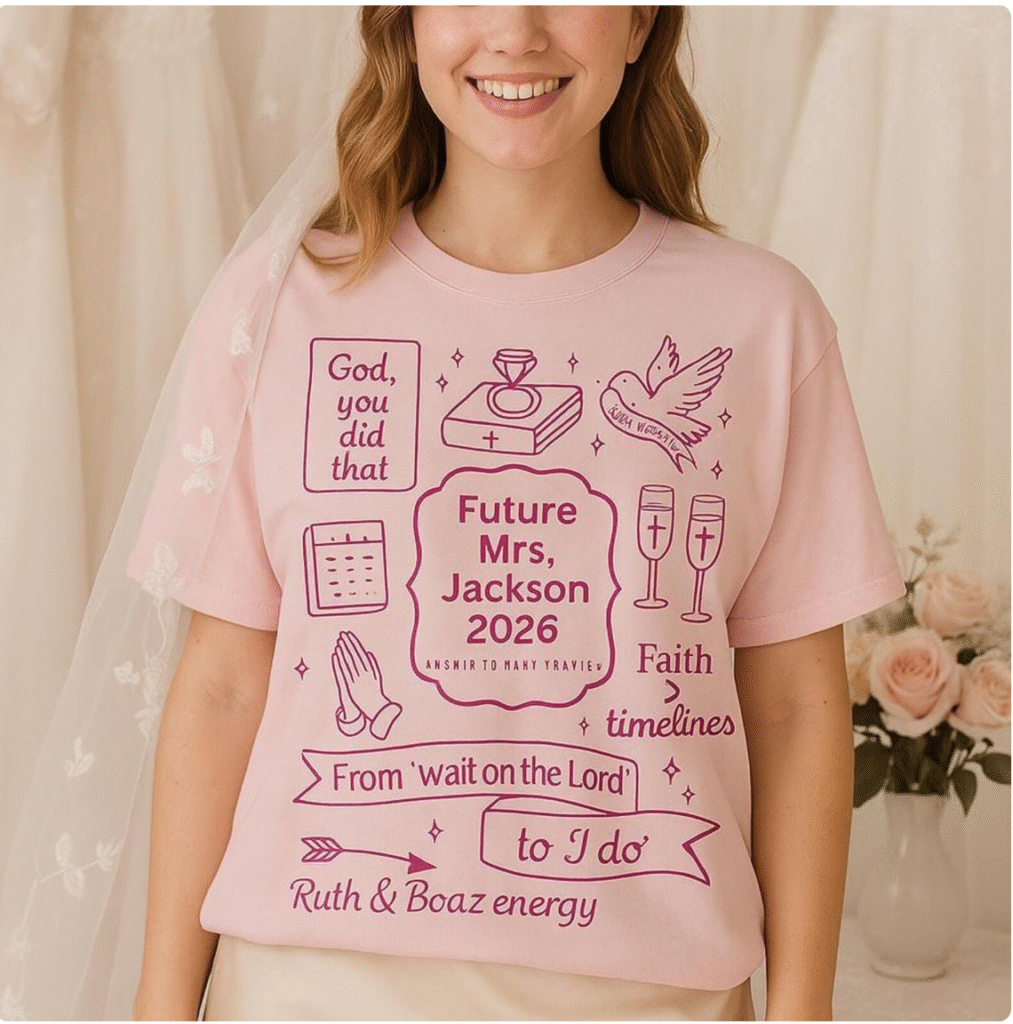
Weddings are full of little touchpoints: save-the-dates, invitations, menus, table numbers, welcome signs, favors, robes or shirts for the bridal party.
When you build those around digital art, it’s much easier to keep everything on theme.
Choose a “Hero” Graphic for Your Theme
The easiest way to start is to pick one hero graphic that sums up the mood of your wedding:
- Romantic and soft
- Rustic and farm-inspired
- Beachy and coastal
- Faith-centered and simple
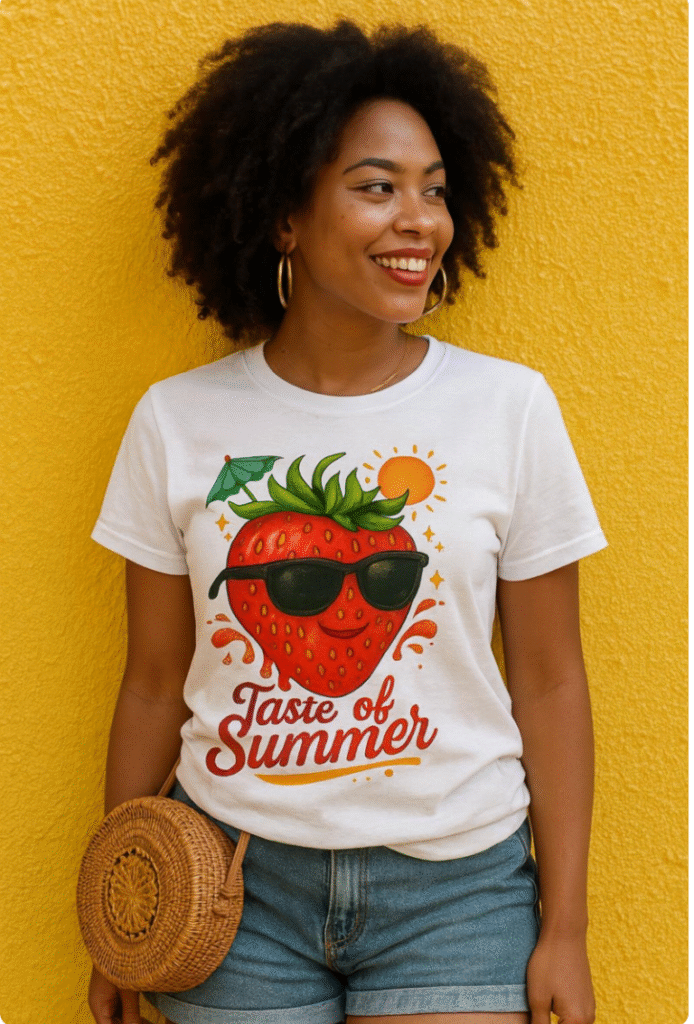
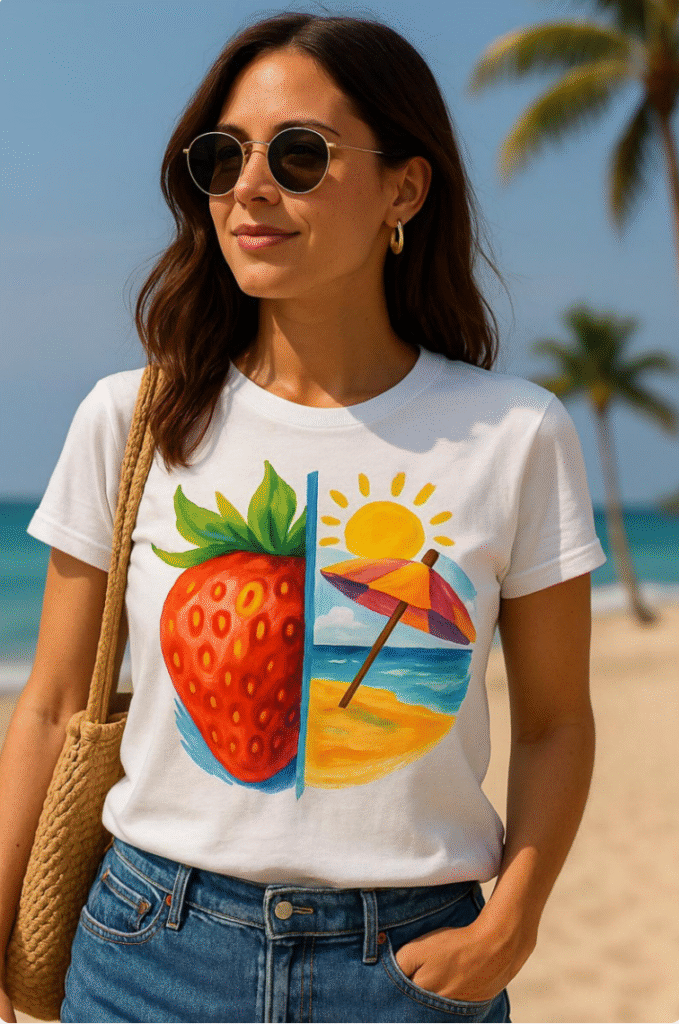
For example, if you’re going for “cute rustic” or cottage-core energy, a strawberry or farm-inspired graphic works beautifully:
- Strawberry T-shirt Design PNG: Retro Summer Fruit Clipart – a retro strawberry illustration you can use on shirts, signs and favor tags.
https://www.etsy.com/listing/4330277188/sthttps://www.etsy.com/listing/4330267718/strawberry-beach-t-shirt-design-retrorawberry-t-shirt-design-png-retro-summer-fruit-clipart
You can:
- Put the strawberry on bride and bridesmaid shirts for a summer bridal shower
- Use the same art on thank-you cards or favor tags (“Thank you berry much”)
- Drop the strawberry into menu headers or bar signs
Because the art is digital, the same file can move from shirts to signs to stationery with a few clicks.
Coastal or Destination Weddings
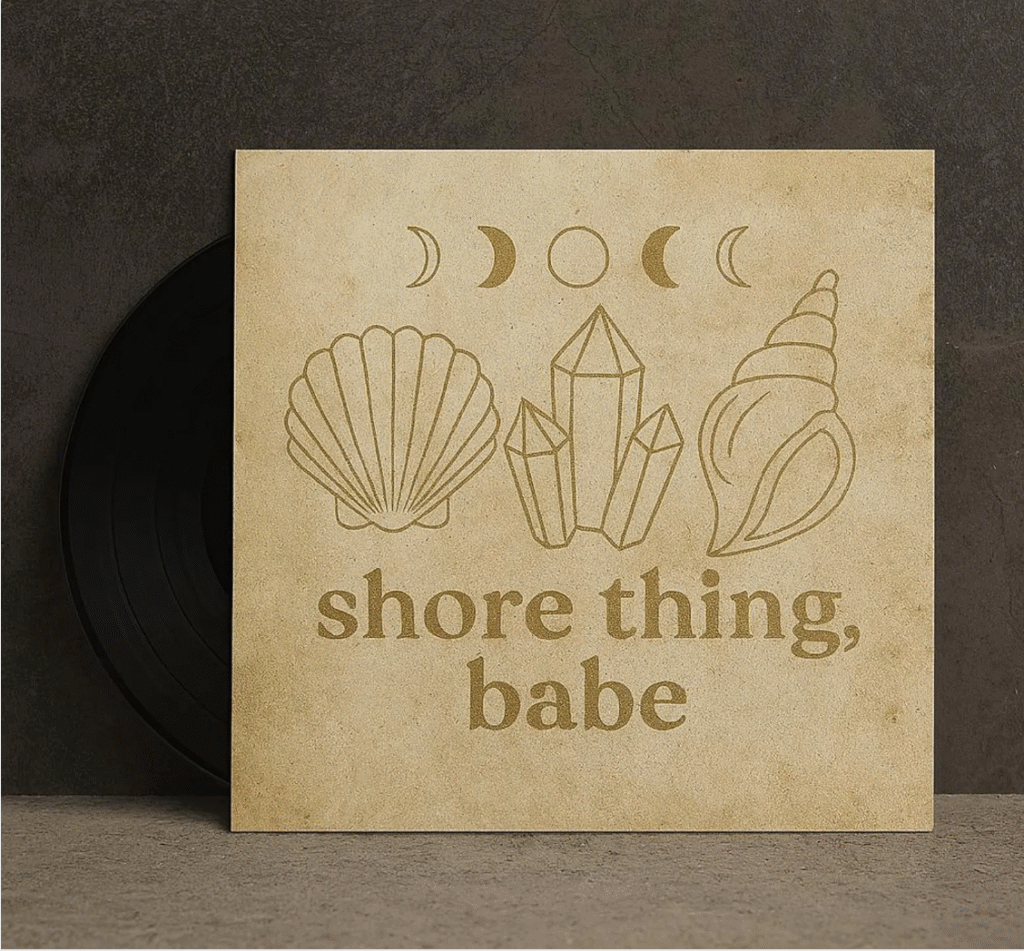
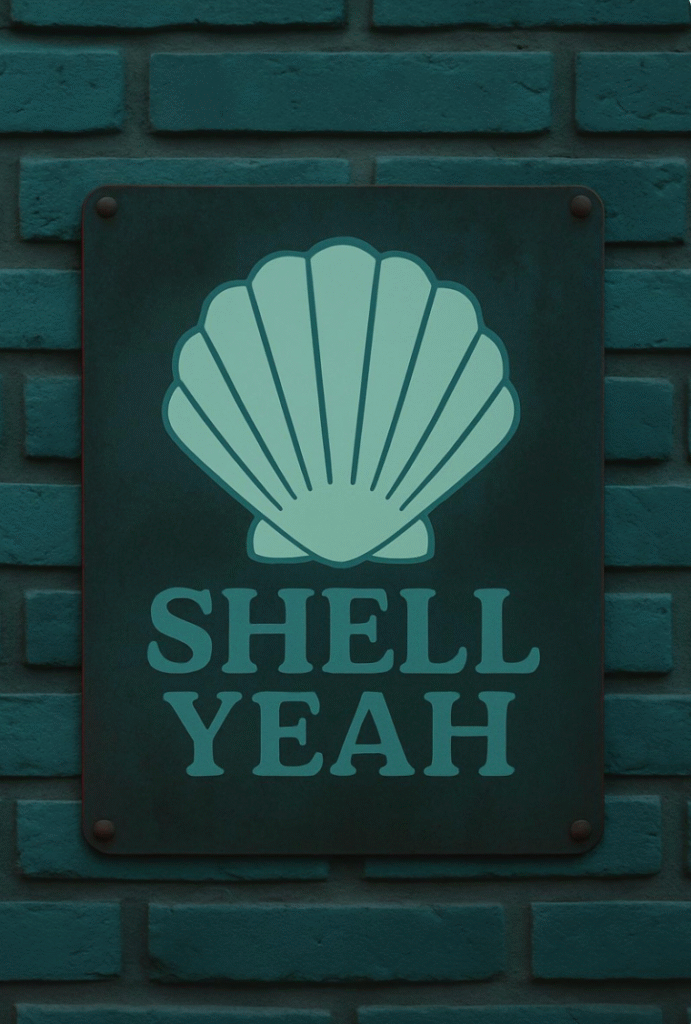
If you’re planning a coastal or destination wedding, a shell or beach motif is an easy anchor:
- Shell / beach tumbler or wrap designs can double as art for welcome signs, bar menus and favors. (For example, a seashell-themed wrap or summer beach wrap.)
Ideas:
- Use the shell design on a “Welcome to our little slice of paradise” sign.
- Add a tiny shell icon to place cards and menus.
- Print the same design on tumblers or mugs for bridesmaids, parents, or your own honeymoon cup.
Faith-Centered Weddings
If you want a clearly faith-based element in your décor or attire, you can pull that in through shirt graphics or small signage:
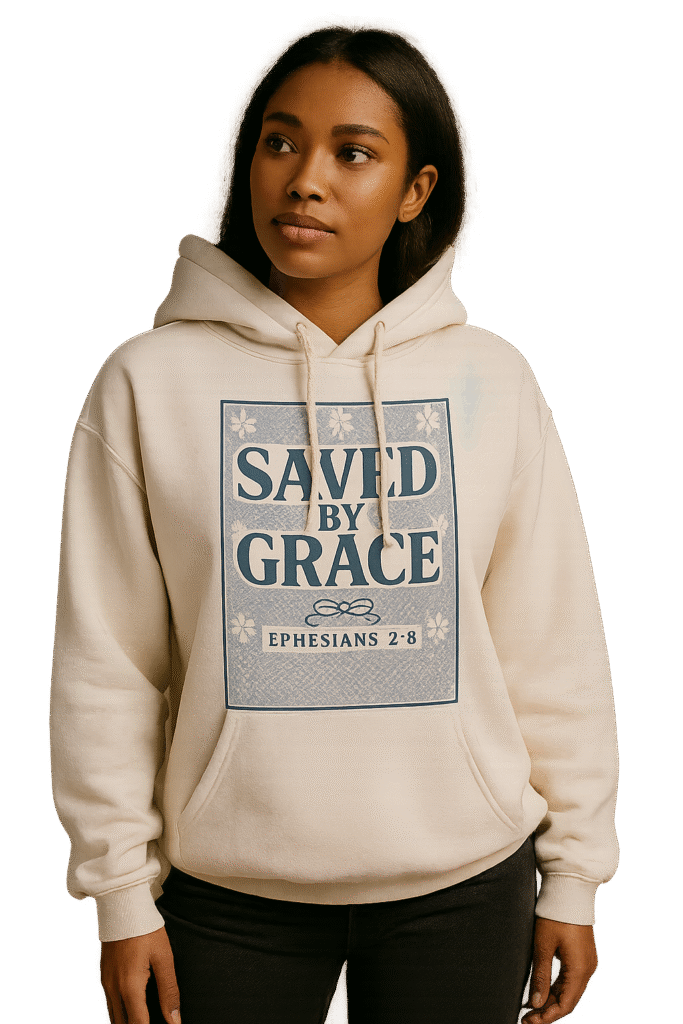
- Saved by Grace PNG – Christian Shirt Design – a bold but elegant statement design that works on shirts, tote bags or hoodie gifts.
https://www.etsy.com/listing/1817504215/saved-by-grace-png-christian-shirt
Use it to:
- Create shirts for the couple’s pre-wedding events
- Print tote bags for bridesmaids with the design plus their names
- Add the phrase to a small framed print on the guestbook table
Because it’s a PNG, you can resize and move it around without losing quality.
Using Digital Planners for Wedding Planning
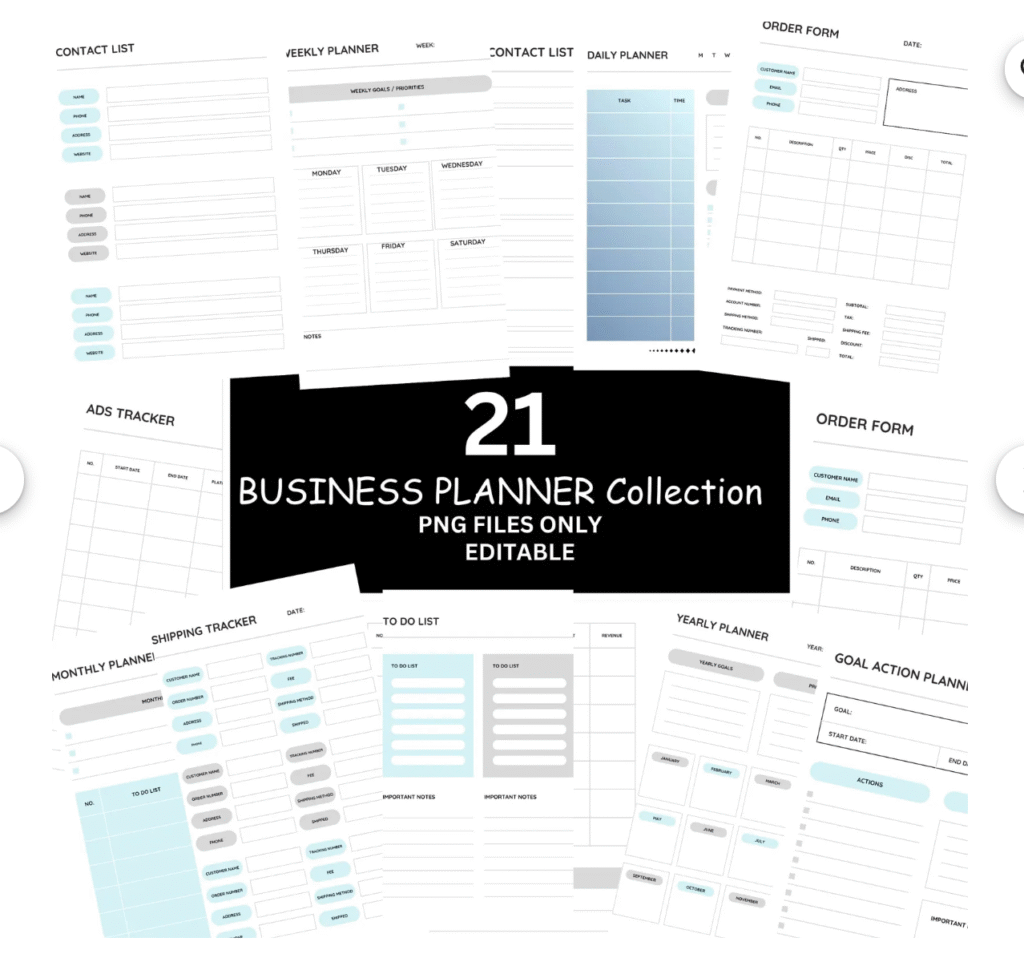
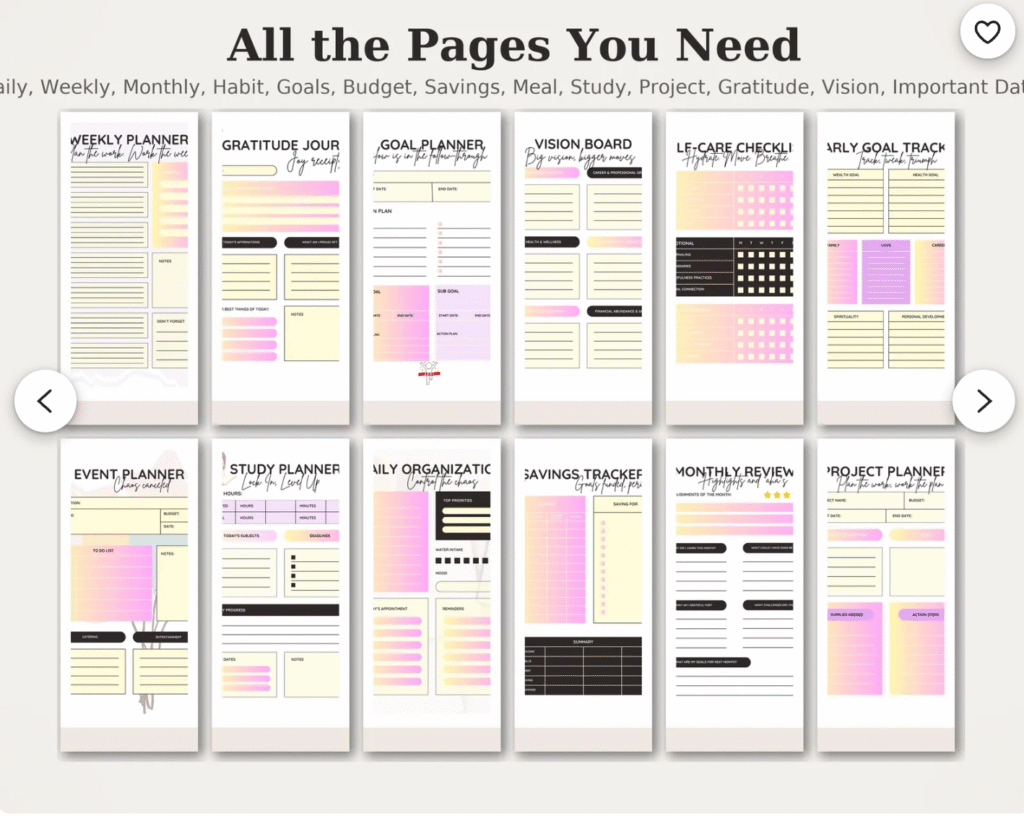
While the pretty stuff is important, weddings also live and die on logistics. A printable planner bundle can keep you on track:
- Printable Planner Bundle | Daily, Weekly, Monthly (PDF A4/US Letter) – a minimalist planner set that gives you monthly overviews, weekly spreads and daily pages.
https://www.etsy.com/listing/4398744833/printable-planner-bundle-daihttps://opennestcollective.etsy.com/listing/4398744833ly-weekly
You can dedicate one planner or binder just to your wedding and use:
- Monthly pages for big deadlines (venue deposit, dress ordering, invitation mailing dates).
- Weekly spreads for the “moving pieces” (DIY projects, vendor calls, outfit fittings).
- Daily pages the week of the wedding so you’re not trying to hold everything in your head.
Tie it into your menu planning by noting recipes you want to use, like:
- 10 Fancy Finger Foods That Will Impress Your Guests for cocktail hour bites
- Cucumber Pasta Salad Done Right: Crisp, Creamy, and Crowd-Pleasing for a fresh, make-ahead side dish at a rehearsal dinner or bridal brunch
2. Kids’ Birthdays & Seasonal Parties
Digital downloads really shine for birthdays, baby showers and seasonal parties because you can control the level of “extra” without spending weeks crafting.
Build a Theme Around One Character or Motif
A simple structure:
- Choose one main character / motif from a digital design.
- Use that same character across shirts, signs, invites and favors.
- Add solid-color balloons, tablecloths and plates to match the artwork.
Some ideas using designs from my shop:
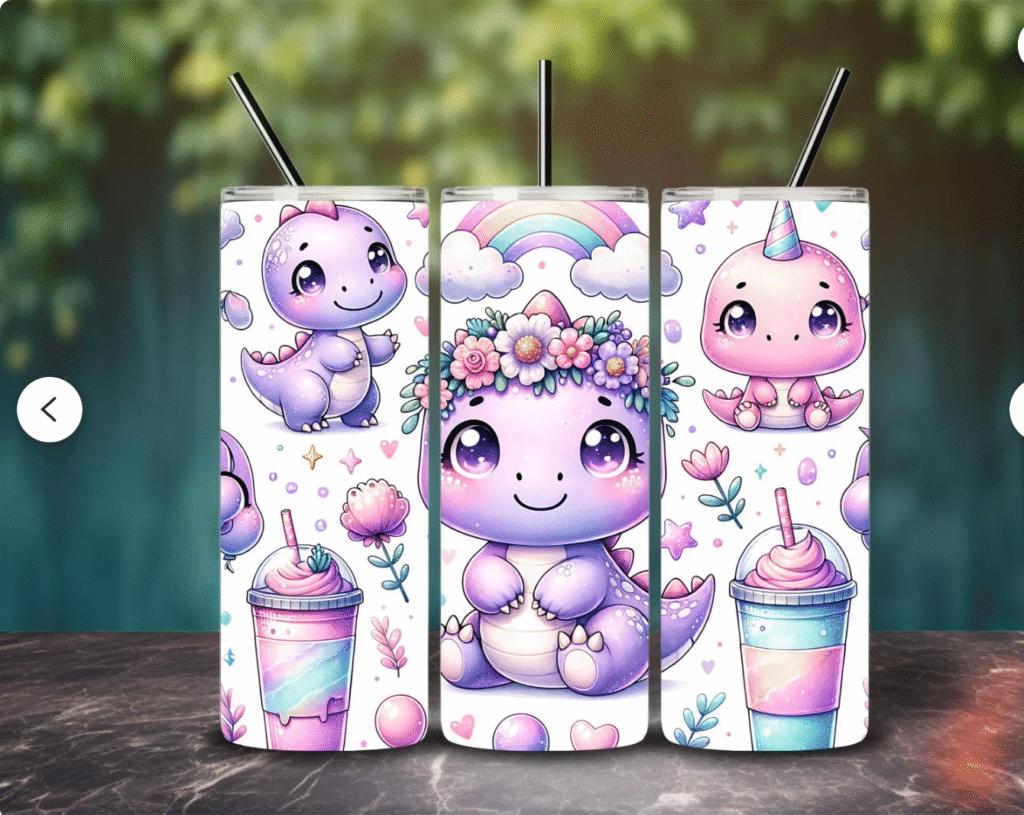
- Dinosaur Girl Tumbler Wrap: Watercolor Kawaii Animal PNG – great for a dinosaur-loving kid who still wants something cute and girly.
Dinosaur PNG Use the dinosaur on:- Birthday shirts (“Roaring into 5”)
- A “Welcome to [Child’s Name]’s Dino Party” sign
- Favor cup stickers
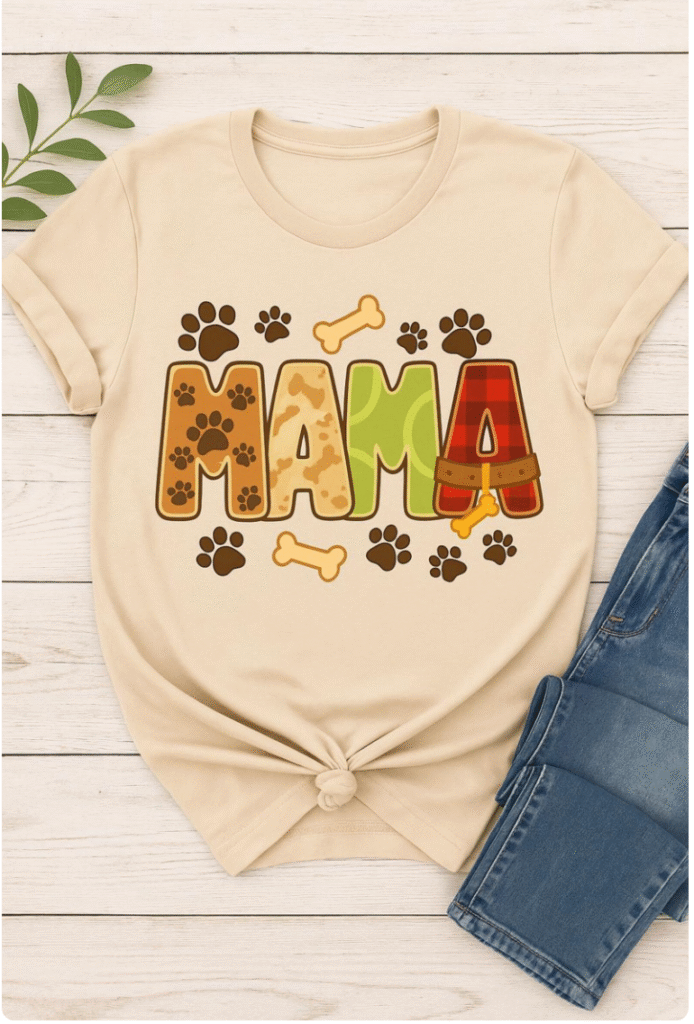
- Dog Mama T-shirt PNG Design: Pet Lover Graphic – cute for a dog-themed party, or a “Dog Mom” birthday.
Dog Mama Design Use it on:- Shirts for the birthday person
- A banner or sign behind the cake table
- Tote bags or favor bags for guests
Add Food That Matches the Vibe
Once you have your theme sorted, you can pull in food that looks like it belongs.
For example:
- For a bright, kid-friendly party, a big bowl of
Cucumber Pasta Salad Done Right is easy to prep ahead and sits well on a buffet. - For a more snacky, grazing table setup, pick a handful of ideas from
10 Fancy Finger Foods That Will Impress Your Guests and adapt them to be a little more casual or kid-friendly.
You don’t need to do everything from scratch; a few polished bites plus thoughtful presentation go a long way.
3. Church Events, VBS & Retreats
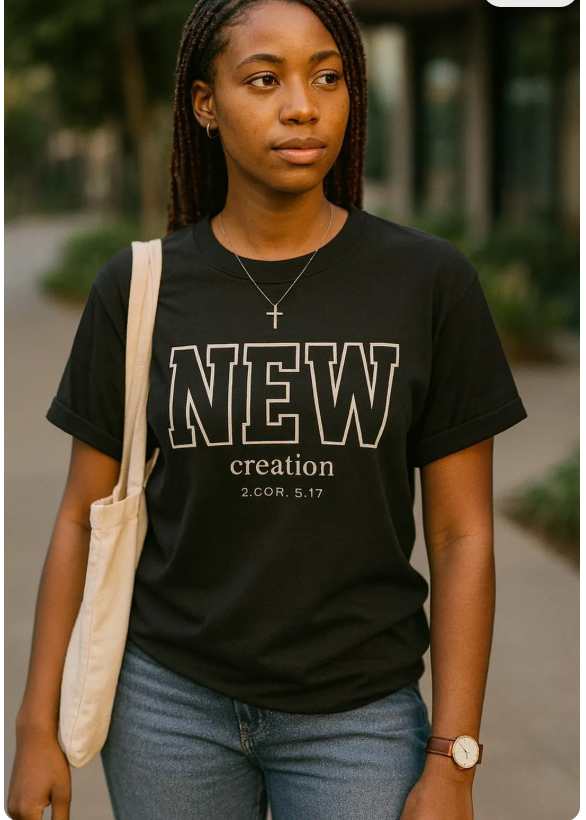
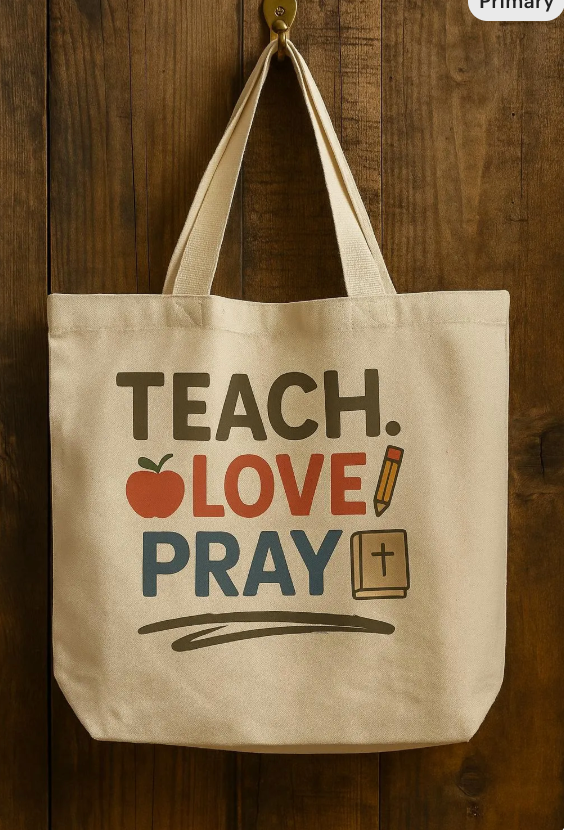
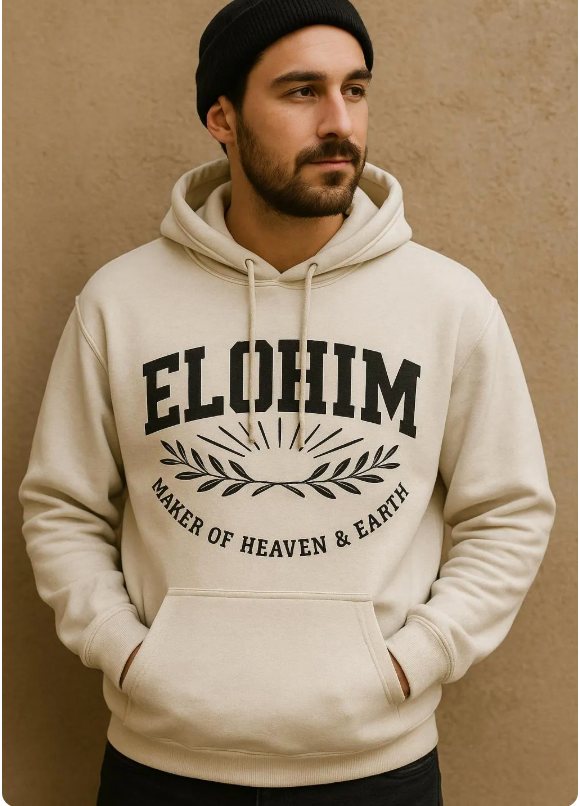
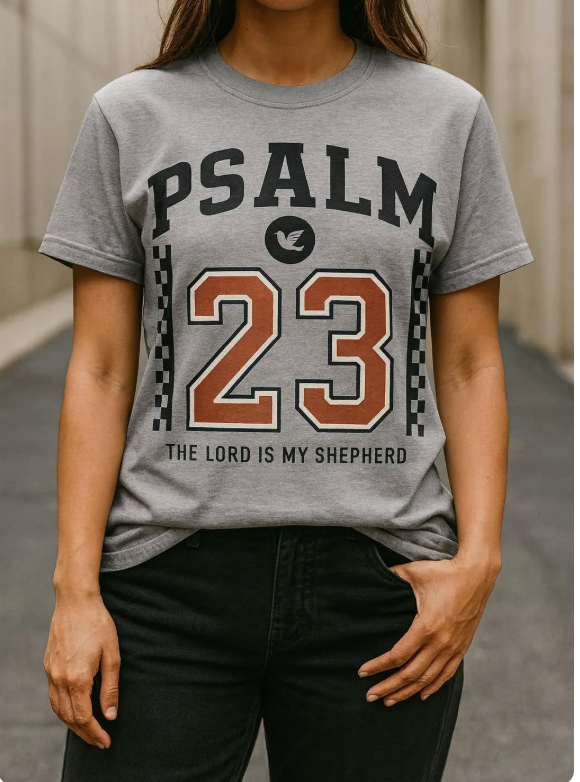
Digital downloads are also very practical for church events and retreats, where you may need shirts, signage, and simple branding on a tight budget.
Vacation Bible School / Camp Themes
Instead of working with a full branding agency, you can start with a single camp graphic:
- True North VBS PNG: Christian Summer Camp Sublimation Design – a compass and theme-style graphic that works across shirts, signs and handouts.
True North VBS PNG
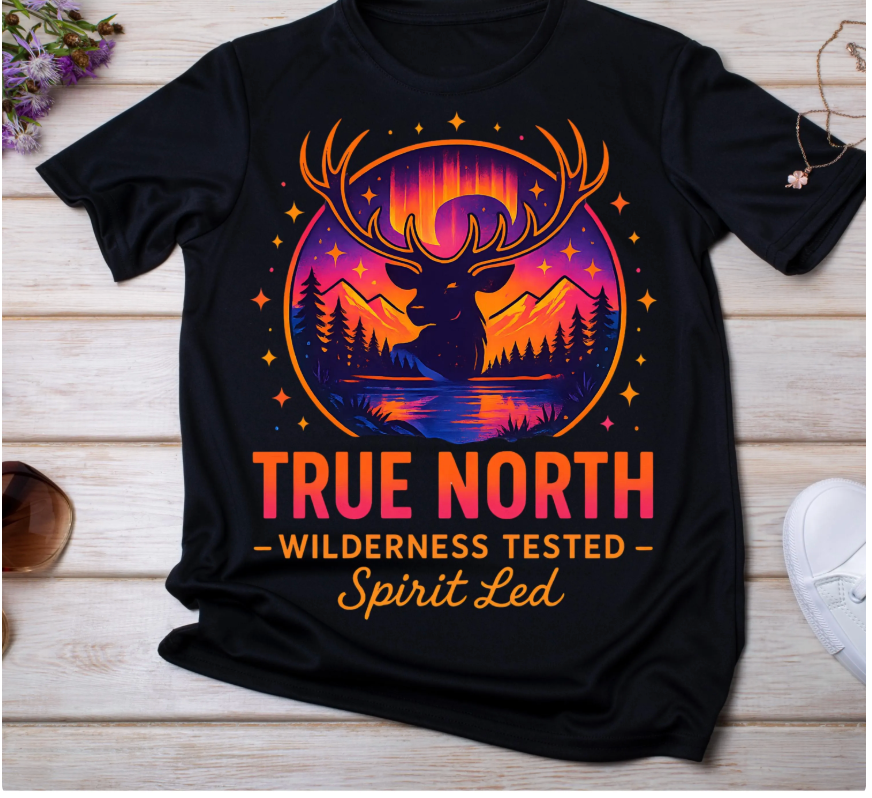
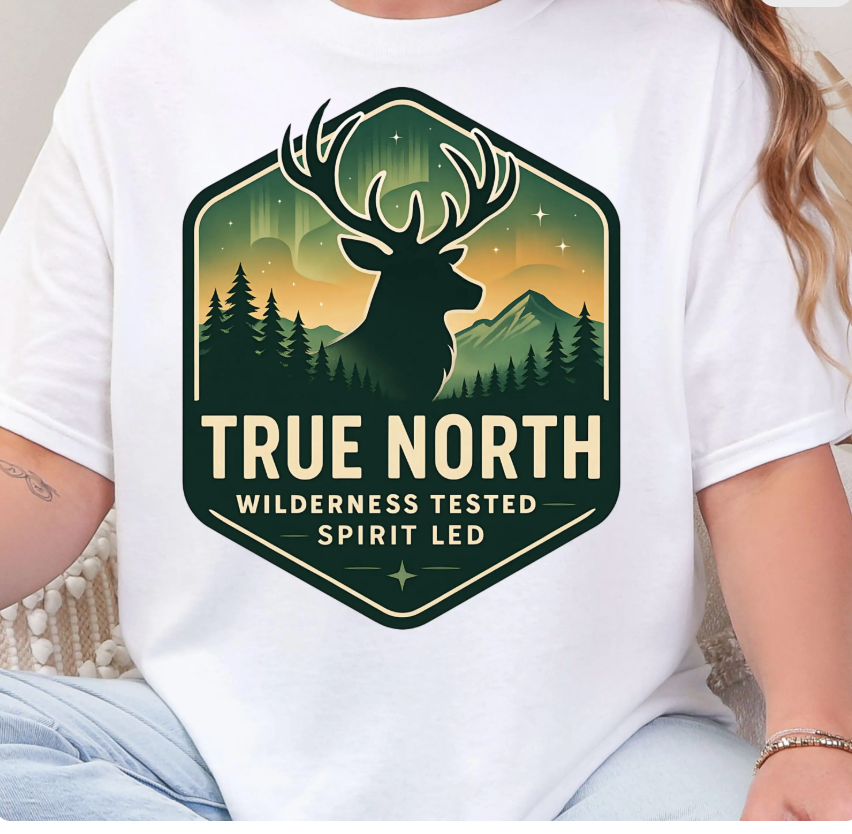
Ways to use it:
- Camp shirts for kids, leaders and volunteers
- Welcome banner on a large printed poster at the entry
- Small icons on name tags, schedule handouts and craft instructions
- Social media graphics to promote registration
Retreats & Women’s Events
For retreats, women’s conferences or Bible studies, soft faith-based designs work well:
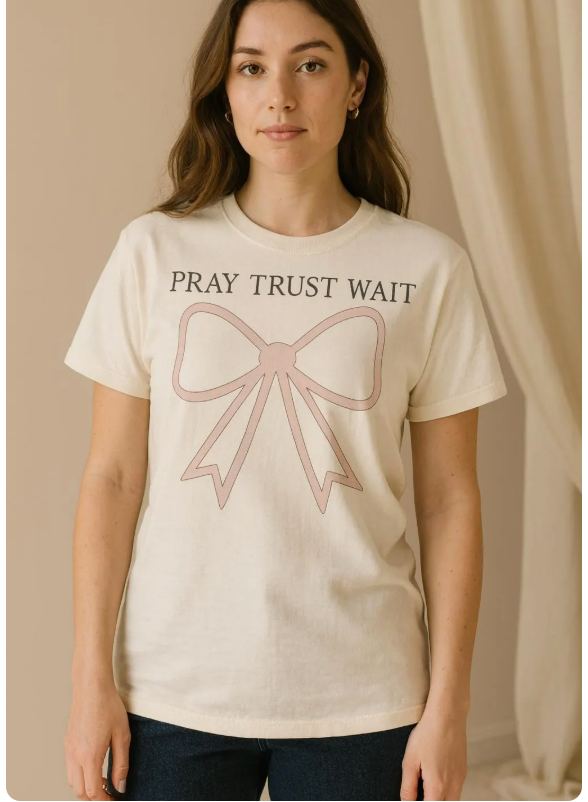
- Pray Trust Wait– Pastels Christian Coquette Bow Design – a feminine, faith-based graphic you can use on shirts, tote bags or notebooks.
- Western “Free” Word Art PNG: Serape, Cowhide & Lasso Design – works for a “freedom in Christ” or Western-themed event.
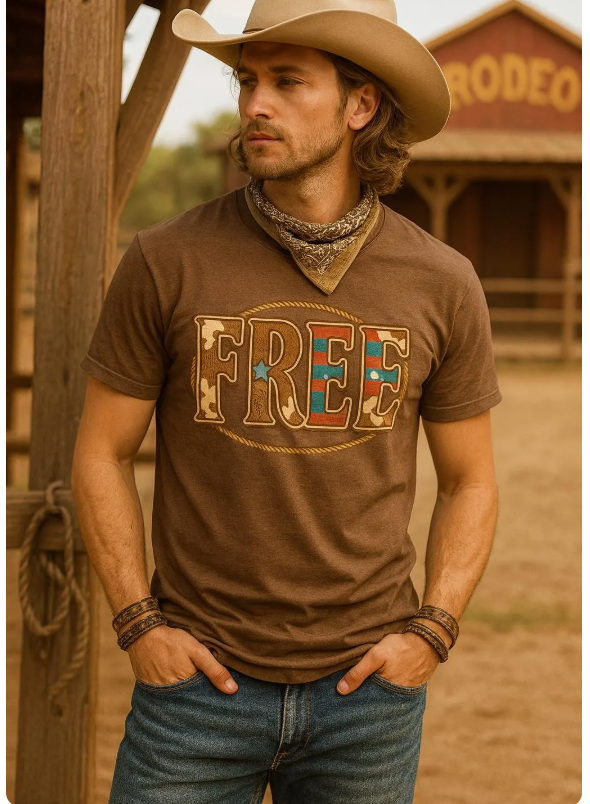
You can:
- Print matching shirts for attendees
- Create a journal cover for retreat workbooks
- Add the design to mugs or tumblers as a parting gift
For food, keep it simple and filling:
- A pot of
Burger Soup: Hearty One-Pot Comfort Food in Just 30 Minutes for cooler evenings - A tray or two from
Easy Yet Impressive Potatoes Recipes: Side Dishes for Busy Weeknights for potluck-style meals
4. Planners, Self-Improvement & Everyday Life
Digital downloads aren’t just for big events. They’re also perfect for everyday planning, goal setting and habit building.
A Core Printable Planner Bundle
The Printable Planner Bundle | Daily, Weekly, Monthly works well as your baseline:
- Print monthly pages to see all your events and deadlines.
- Print weekly spreads for to-do lists, meal plans and content plans.
- Use daily pages for packed periods like launch weeks, wedding weeks, or holiday hosting.
You can keep one binder for life and one binder for your business or side hustle.
Self-Improvement Challenges & Trackers
To keep yourself moving toward specific goals, you can add a challenge-style printable:
- Self-Improvement Challenges – Printable Planner – a PDF designed for tracking habits and challenges over time.
Printable Planner
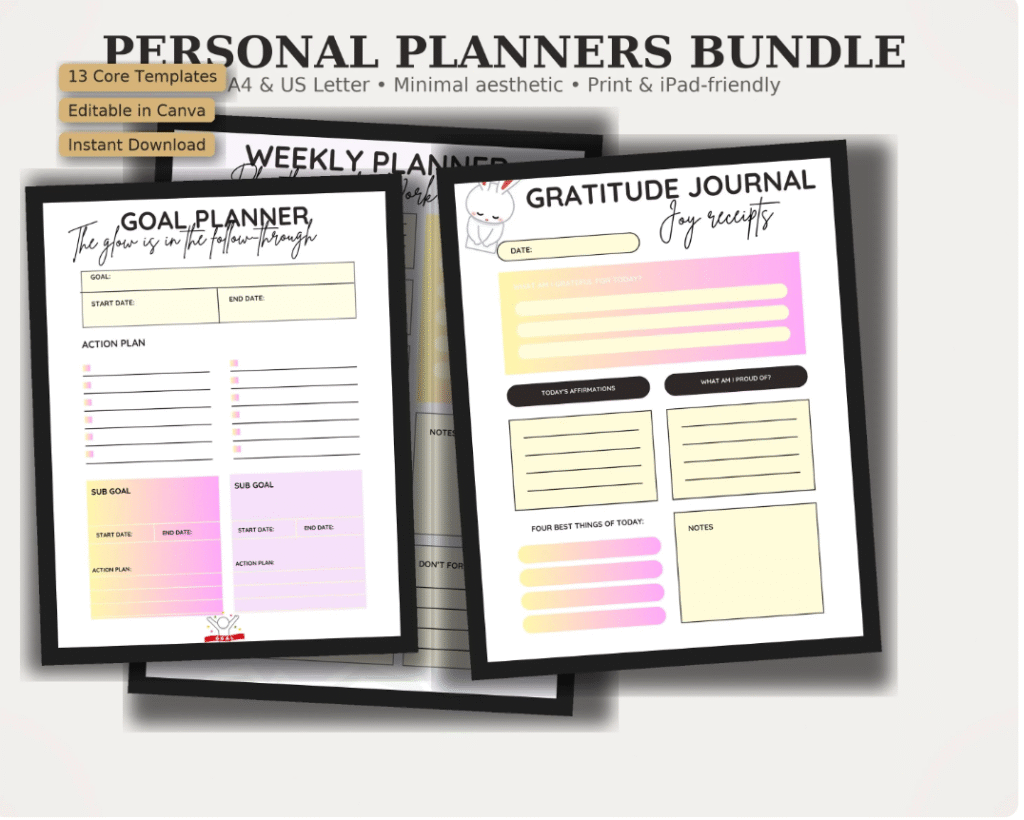
Use it to:
- Plan a 30-day fitness or water challenge before a big event
- Track no-spend weeks to save money for weddings, trips or birthday parties
- Build a “spiritual disciplines” challenge for prayer, Bible reading or journaling
Pair your habit tracking with better food routines:
- Block time to meal prep using recipes from
10 Fancy Finger Foods That Will Impress Your Guests for upcoming gatherings. - Add a weekly reminder to wash and prep produce with
How to Clean Fruit Like a Pro so fruit platters and snack boards are always ready.
5. T-Shirt Designs & Wearable Graphics
T-shirt PNGs are some of the most flexible digital downloads you can own. One file can become:
- A shirt
- A hoodie
- A tote bag
- A sign or framed print
- A graphic in your planner or journal
Funny Introvert, Coffee & Owl Designs
If you love a bit of sarcasm with your caffeine, try:
- Grumpy Owl Coffee PNG: Funny Sublimation Design – a grouchy owl clutching a coffee cup.
Grumpy Owl
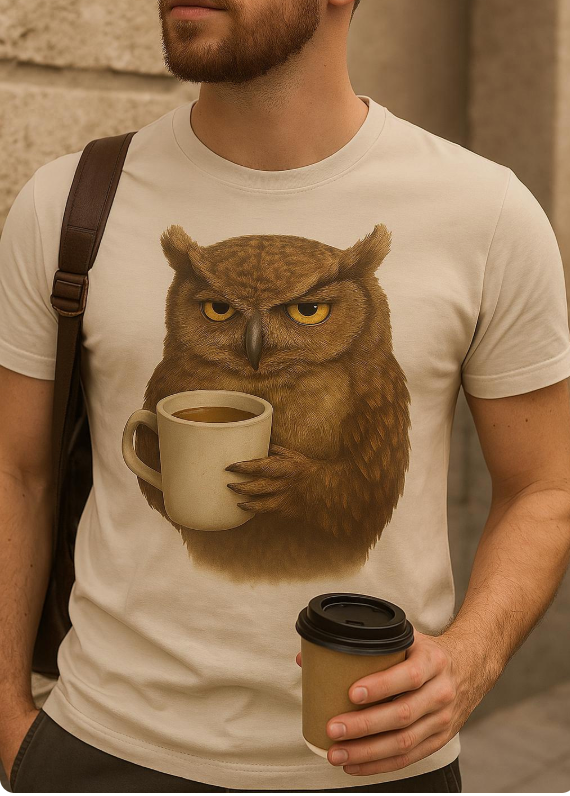
Pair it with:
- Comfy “weekend uniform” shirts
- Mugs for your desk
- A little framed print over your coffee station
Serve it with a cozy brunch or breakfast:
- Fluffy Cottage Cheese Protein Pancakes: Your New Favorite Breakfast Recipe and coffee in your owl mug.
For introvert or “leave me alone” moods, you can lean on patterns like:
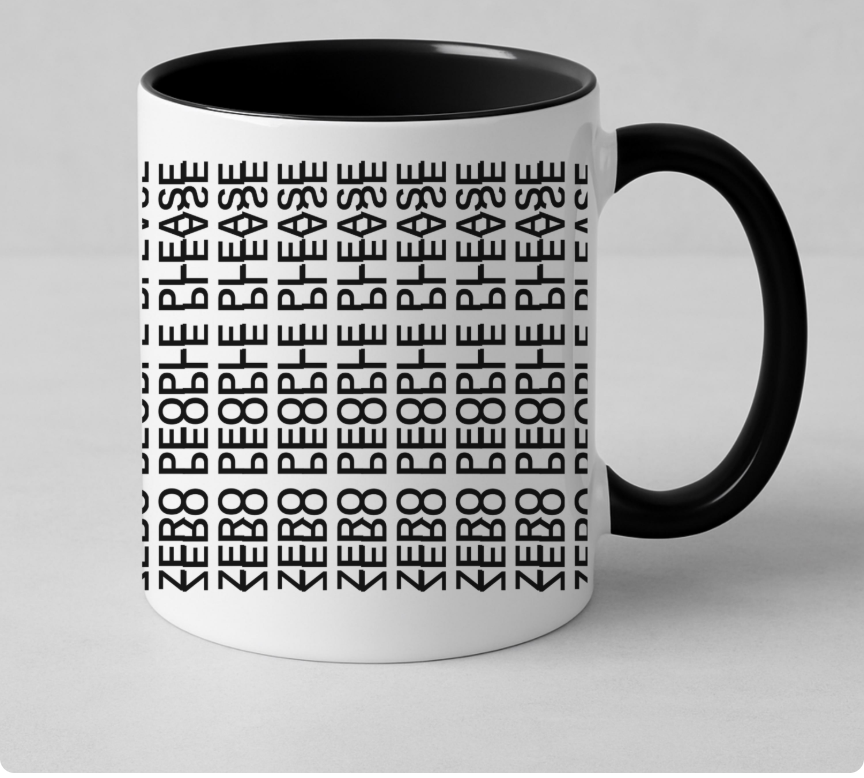
- Zero People Please Seamless Pattern – Sarcastic Sublimation Design – an all-over pattern you can use on shirts, tumblers, or even backgrounds in Canva.
Zero People Please
Dog Moms, Book Lovers & Niche Hobbies
Alongside the Dog Mama design we mentioned earlier, book lovers have options too:
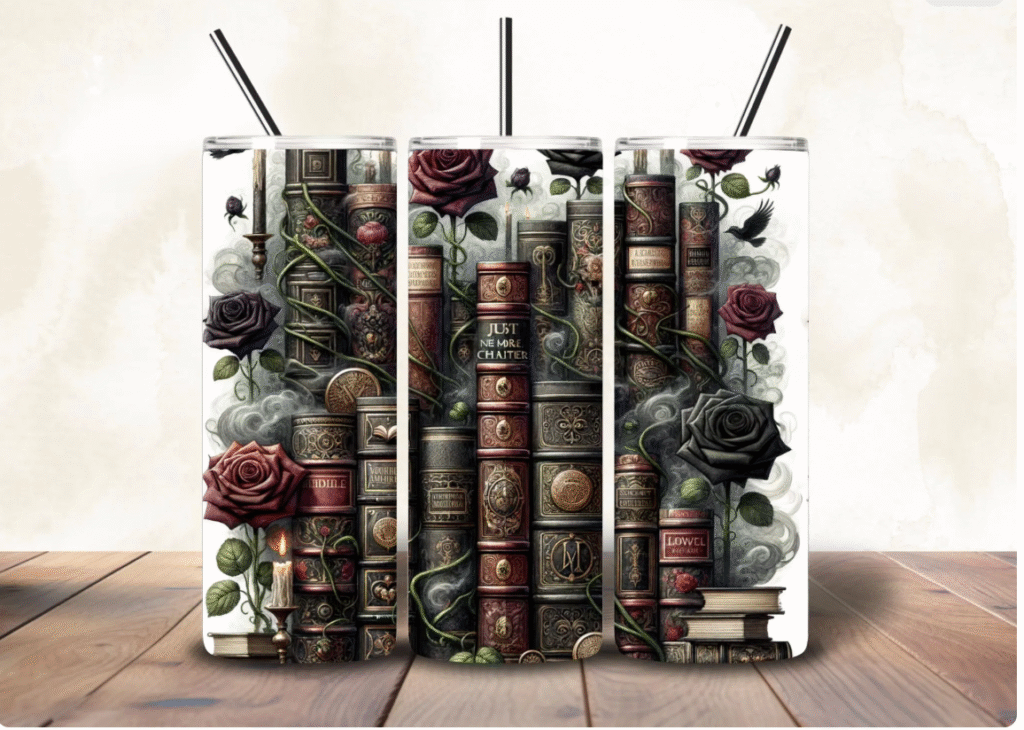
- Bookish Tumbler Wrap: Book Lover Sublimation Design (PNG)
Bookish Tumbler Wrap - Dragon Book Tumbler Wrap: Bookish 20oz Skinny Design – perfect if you or your friends are into fantasy and “romantasy” stories.
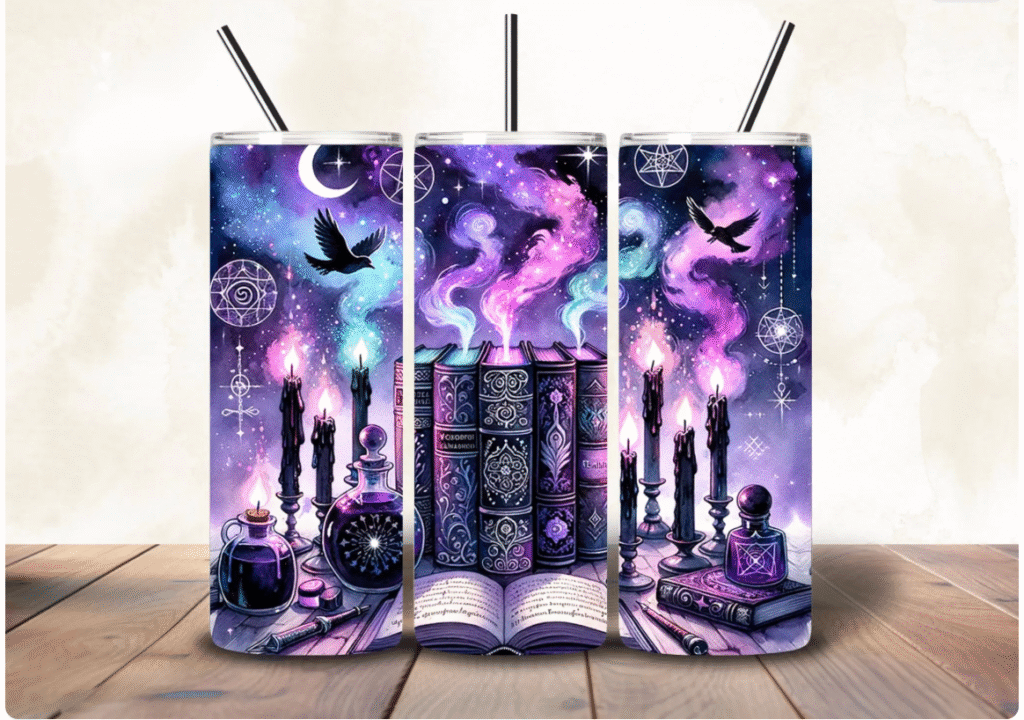
You can:
- Make matching shirts or tumblers for a book club
- Print bookmarks using the same art
- Turn the design into a framed print for your reading nook
Snack idea for bookish nights:
- A big pot of tea or coffee
- A slice of
Banana Cake Recipe: Moist and Soft for Days for something sweet but homemade
6. Tumblers, Summerween & Seasonal Themes
Tumblers and wraps are an easy way to extend your theme to drinks without custom glassware.
Cute & Spooky Summer Parties
If you love the idea of “Summerween” or Halloween-in-July, try:
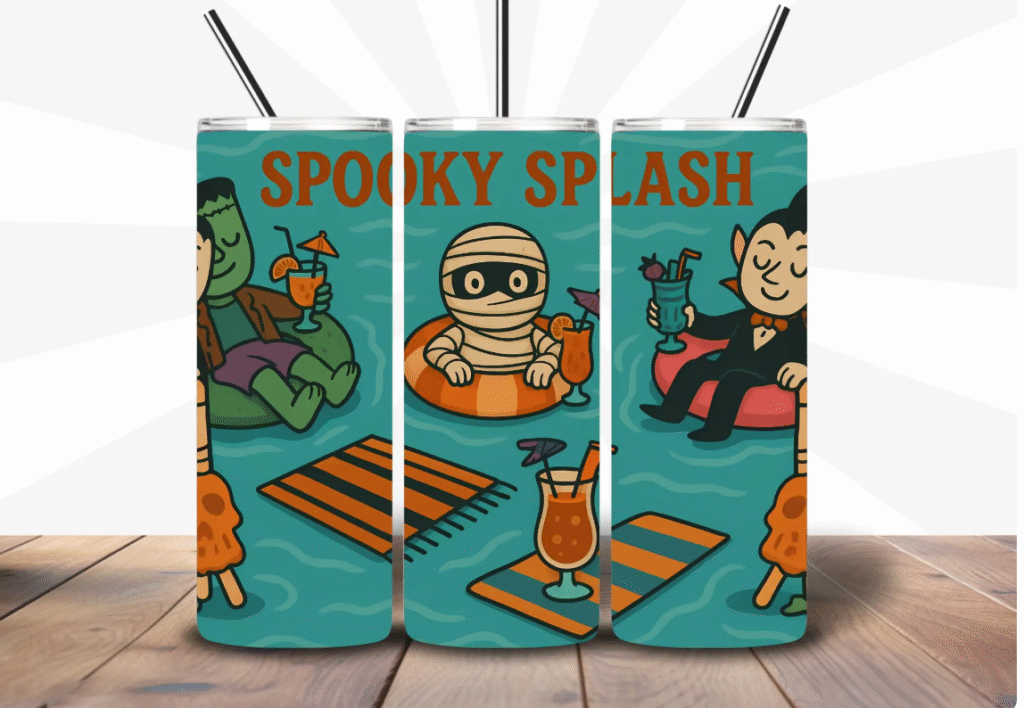
- Summerween Tumbler Wrap PNG: Spooky Monsters Pool Party – a playful, colorful spooky scene made for 20oz skinny tumblers.
Summerween Tumbler
Use it for:
- Movie night tumblers
- Hostess gifts
- “Bring your own spooky cup” parties
Fill your snack table with seasonal takes on:
- Finger foods from
10 Fancy Finger Foods That Will Impress Your Guests – think skewers, mini toasts, little tarts.
Sweet & Girly Drinkware
For softer, girly vibes:
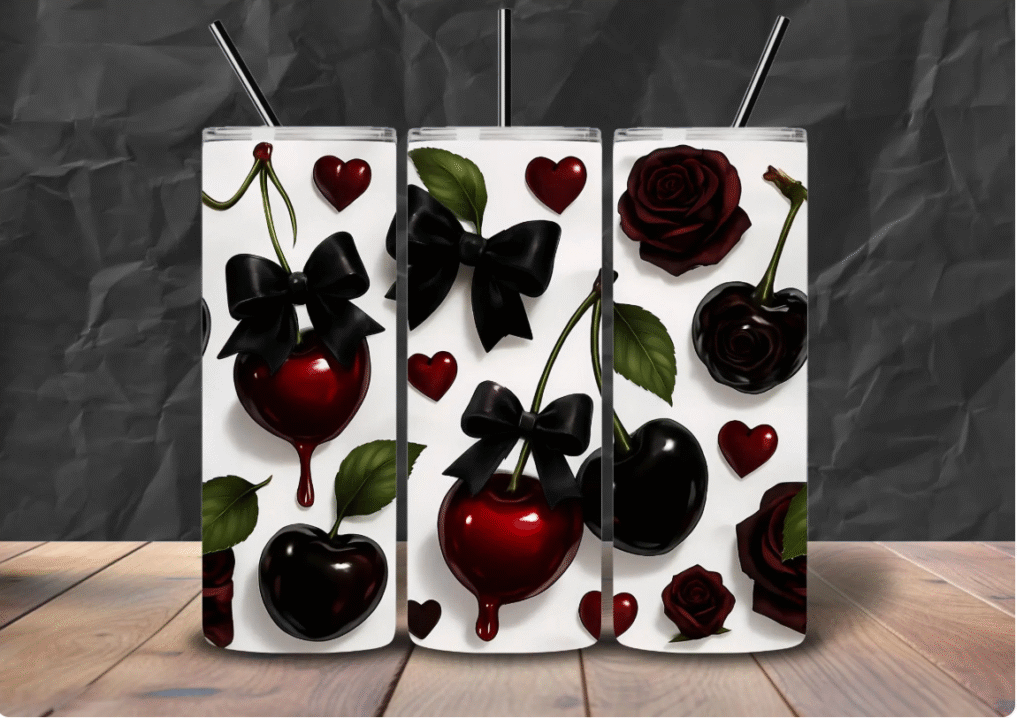
- Cherry Tumbler PNG: Kawaii Bow Design, 20oz Skinny – a cherry and bow design that feels coquette and sweet.
Cherry Tumbler Design PNG
You can:
- Make tumblers for bridesmaids or birthday girls
- Use the same cherry art on a “Cherry Sips” bar sign
- Add small cherry icons to your paper straws, drink labels, or favor tags
Match the drinks with:
- Cherry-Red Smoothies to Keep You Cool and Boost Antioxidants in pretty glasses or your new tumblers.
7. Putting It All Together: Step-by-Step Workflow
No matter which event you’re planning, the flow is similar.
Step 1: Decide the Mood
Ask yourself:
- Is this event romantic, rustic, coastal, spooky, cozy, or faith-centered?
- Do I want it to feel playful, elegant, minimal, or loud and fun?
Choose one or two main graphics that support that mood.
Step 2: Choose Your Digital Files
From your digital stash or my Etsy shop, pick:
- 1–2 hero graphics (e.g., strawberry, shell, cross, book stack, dinosaur).
- 1 planner or checklist (if you need organization).
- Optional: 1–2 tumbler wraps or patterns to carry the theme into drinkware or backgrounds.
Step 3: Build Your Core Pieces
In Canva or your favorite tool, create:
- Invitations or e-invites
- One large sign (welcome sign, bar menu, or dessert table sign)
- One wearable piece (T-shirt, hoodie, or tote bag)
- Any must-have printables (place cards, menus, checklists)
Use the same art and colors in all of them so everything looks related without being identical.
Step 4: Plan the Menu
Pick 2–4 recipes that are:
- Make-ahead friendly
- Easy to scale up
- On theme with the event
Some reliable combos:
- Elegant or bridal:
- Cozy or retreat-style:
- Brunch or breakfast events:
- Fluffy Cottage Cheese Protein Pancakes
- A fruit platter prepped via How to Clean Fruit Like a Pro
Step 5: Print or Upload
Once your designs are ready:
- Print planners, checklists and small signs at home.
- Use a local or online print shop for large signage.
- Upload PNGs to your favorite T-shirt or tumbler printer.
Keep your files organized in clearly named folders so you can reuse them next year.
Common Mistakes People Make With Digital Downloads (And How To Avoid Them)
Digital downloads are pretty forgiving, but there are a few mistakes that make people feel disappointed or overwhelmed the first time they try them. The good news is that almost all of them are easy to avoid once you know what to look for.
1. Buying a cute design without thinking about how it will be used
It is so tempting to grab the first adorable PNG you see. But if you only think “This is cute,” and not “This will work on a shirt, sign and label,” you might end up with art that is hard to read or scale.
- Look for files described as high-resolution, usually 300 DPI.
- Make sure it is a PNG with a transparent background for shirts, mugs and layered designs.
- Ask yourself: “Can I imagine this on at least three things?” before you buy.
If you are using planners, check that the file is sized for your paper (A4 or US Letter) or that you are comfortable resizing in Canva.
2. Printing at the wrong size or on the wrong paper
Sometimes a design looks “off” not because of the art, but because of the paper or settings.
- For signs and menus, use a thicker cardstock so colors look richer.
- For labels or stickers, use sticker paper that matches your printer type (inkjet vs laser).
- Always print at 100% scale or “actual size” unless the designer gives different instructions.
If you are sending designs to a print shop, upload the original files rather than screenshots. That keeps everything sharp.
3. Using too many fonts, colors and graphics at once
When you fall in love with digital downloads, it is easy to overdo it. You do not need five different fonts and six clip-art styles for one event.
Try this simple rule:
- One main font for headings
- One simple font for body text
- One or two main colors pulled from your design
- One “hero” graphic that appears everywhere
That alone will make your wedding, birthday, or church event look like it was designed by one person on purpose, not thrown together at the last minute.
4. Forgetting to reuse designs after the event
Once the event is over, a lot of people forget about the files they bought. That is a waste of time and money.
Create a folder on your computer or in your cloud storage called something like “Weddings & Events” and save:
- Your favorite PNGs
- Your planner templates
- Canva designs you know you will use again
Next time you host a shower, retreat or birthday, start by looking at what you already own. Often you only need one new graphic to give it a fresh twist.
5. Not matching the digital plan with the real-life plan
Digital downloads can make your event look beautiful, but they really shine when they are tied to a realistic plan.
Use your printable planners to:
- Set dates for when invitations go out
- Block off days for shopping, cooking and prepping
- Write down which recipes you are making from your favorite blog posts
When your planner, your menu and your designs are all aligned, you feel much calmer in the days leading up to the event.
8. Other Posts You’ll Enjoy on Crave Worthy Nutrition
If you’re planning events and want more ideas for what to cook or bake, these posts pair really well with digital-download-heavy gatherings:
- 10 Fancy Finger Foods That Will Impress Your Guests – ideal for showers, cocktail parties and holiday gatherings.
- Cucumber Pasta Salad Done Right: Crisp, Creamy, and Crowd-Pleasing – a bright, fresh side dish that works all year.
- Cherry-Red Smoothies to Keep You Cool and Boost Antioxidants – perfect for summer parties, girls’ nights and brunches.
- Easy Yet Impressive Potatoes Recipes: Side Dishes for Busy Weeknights – simple sides that look more fancy than they are.
- Fluffy Cottage Cheese Protein Pancakes: Your New Favorite Breakfast Recipe – great for retreats, sleepovers and morning-after brunches.
- Banana Cake Recipe: Moist and Soft for Days – a simple cake that feels like a treat at any event.
Final Thoughts
Digital downloads make it so much easier to create events that feel thoughtful, personal and pulled together, without spending weeks or thousands of shillings on custom design.
With a small collection of PNGs, planners and tumbler wraps, you can:
- Dress up weddings, showers and birthdays
- Brand church events and retreats
- Organize your life with planners and challenges
- Create shirts, tumblers and mugs that actually feel like “you”
Start with one event you’ve got coming up soon. Pick one graphic, one planner and one wearable design from your digital stash or my Etsy shop, then build your menu from recipes on Crave Worthy Nutrition.